Excel vs Google Sheets templates: which should you buy?
A plain comparison of Excel and Google Sheets for budget, wedding and business templates, and what 'works in both' really means.
Most templates are sold for Excel, Google Sheets or both. Here’s how to choose without overthinking it.
Pick Google Sheets if…
- You share it. Couples, households and small teams can edit the same sheet at the same time.
- You don’t have Microsoft 365. Sheets is free with a Google account.
- You use your phone. The Sheets app is fine for quick updates on the go.
Aspire Budgeting (core template)
by Aspire Budgeting
An envelope-style zero-based budget built in Google Sheets.
Pick Excel if…
- You like working offline, or your files must stay on your own computer.
- You already pay for Microsoft 365 through work or home.
- The template uses heavier features. Some Excel tools, such as macros, don’t carry over to Sheets.
Personal Budget Spreadsheet
by Vertex42
A single-person monthly budget with planned versus actual columns.
What “works in both” means
It can mean two different things, so read the listing:
- One .xlsx file that also opens in Google Sheets. It’s simple and usually fine, but some formatting can shift.
- Two matching versions, one built for each app. It takes more work to make, and it’s more reliable.
On every Handpicked Apps listing we show Excel, Sheets or both. Examples that work in both include The Ultimate Budgeting Sheet (£5.50) and Simple Business Budget (£7, set up for UK sole traders). Budget Grid and Wedding OS Lite (made by us) come as two matching versions.
The Ultimate Budgeting Sheet
by Payhip seller
A twelve-month budget that handles weekly, fortnightly and four-weekly payments on their real dates.
Simple Business Budget
by DaM Good Business
A three-sheet annual budget for UK sole traders, in pounds throughout.
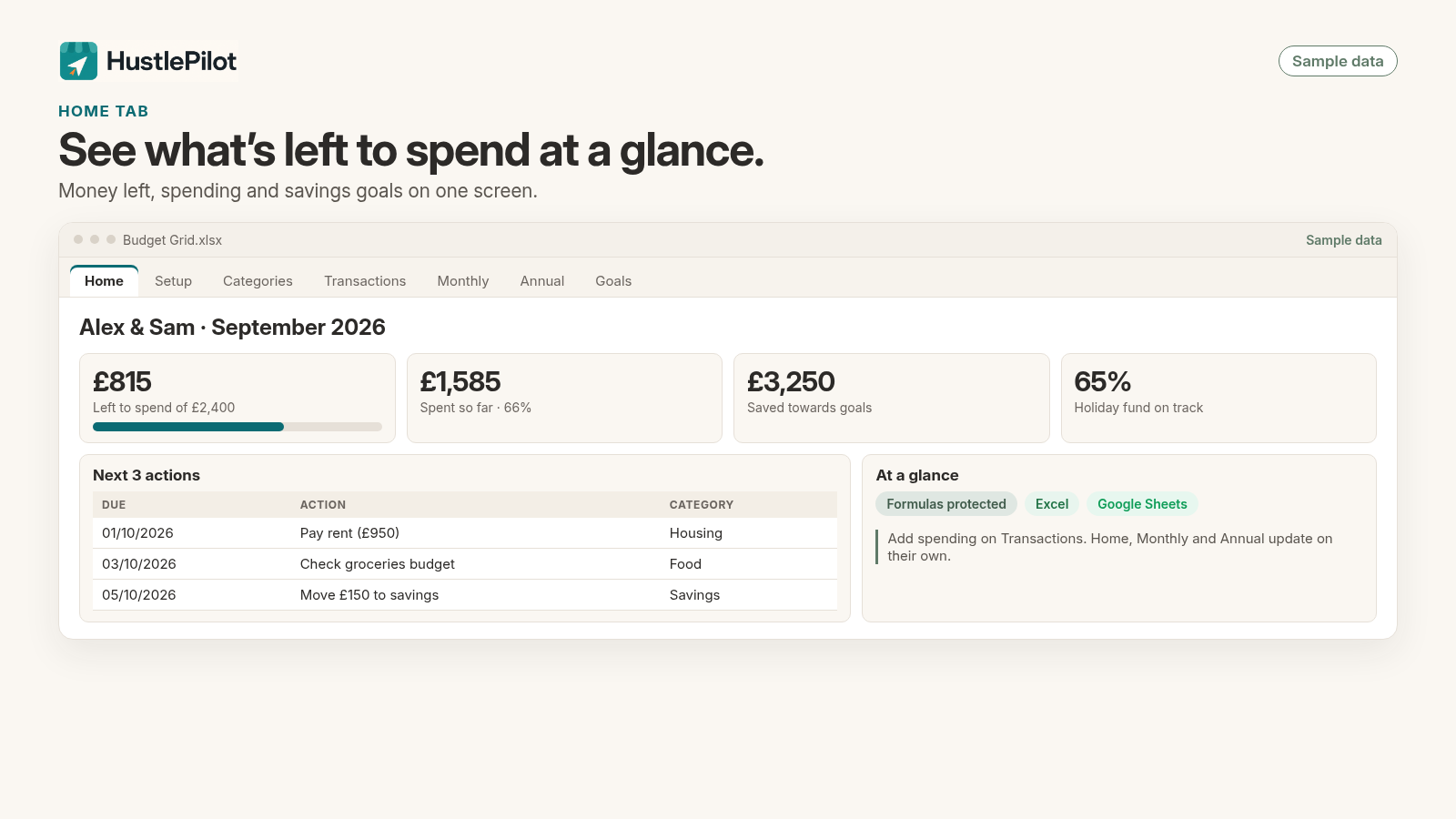
Budget Grid
by HustlePilot
A seven-tab personal budget with categories, transactions, monthly and annual views and goals, in matching Excel and Google Sheets versions.
Quick UK tips
- In Google Sheets, set File, then Settings, then Locale to United Kingdom so dates show day-first and £ is the default.
- In Excel, check the currency format on money cells if a template was built in another country.
Questions
Is Google Sheets free?
Yes, with a free Google account. You use it in a browser or the mobile app.
Can I open an Excel template in Google Sheets?
Usually, yes: upload the .xlsx file to Google Drive and open it in Sheets. Simple formulas carry over well; macros and some advanced features don't.
How do paid Google Sheets templates arrive?
Often as a PDF with a link. You open the link and choose File, then Make a copy, to get your own private version.