Wedding budget spreadsheet (UK): what to track and how
How to set up a wedding budget spreadsheet in pounds: the columns that matter, deposits and balances, and free and paid templates we've checked.
Wedding money is tricky because it doesn’t leave all at once. A deposit goes in months ahead, the balance lands a few weeks before, and little extras turn up the whole way through. A spreadsheet that tracks when money goes, not only how much, takes most of the stress out of it.
Start with one number
Agree a total you’re both comfortable with, including anything family are contributing. Write it at the top. Everything else is measured against it.
The columns that matter
- Item and supplier: venue, catering, photographer, flowers, outfits, rings, stationery, music, transport.
- Estimate vs actual: your guess first, the real quote once you have it.
- Deposit paid and balance due: two separate columns, so you can see what’s committed and what’s still to find.
- Due date: the column most people forget, and the one that stops surprises.
Put dates on everything
Sort by due date every few weeks. You’ll see which months are heavy and can move money into savings ahead of time.
Free templates to start with
Wedding Budget Worksheet
by Vertex42
A wedding cost worksheet split into typical spending categories.
Wedding & Event Budget Planner
by Spreadsy
A Google Sheets budget with suggested category splits and a summary dashboard.
Wedding Checklist
by Vertex42
A timed to-do list for the months leading up to a wedding.
When one file for everything helps
If you’re managing guests, suppliers and the timeline yourselves, a planner that links them saves copying numbers between lists. Wedding Planner Pro (A$9.99, Google Sheets) has sixteen tabs, including supplier comparisons and seating. Wedding OS Lite (£9, made by us) is ours: supplier payments feed the budget automatically, in matching Excel and Google Sheets versions.
Wedding Planner Pro
by Payhip seller
A 16-tab Google Sheets planner with a dashboard, comparisons, seating and an emergency checklist.
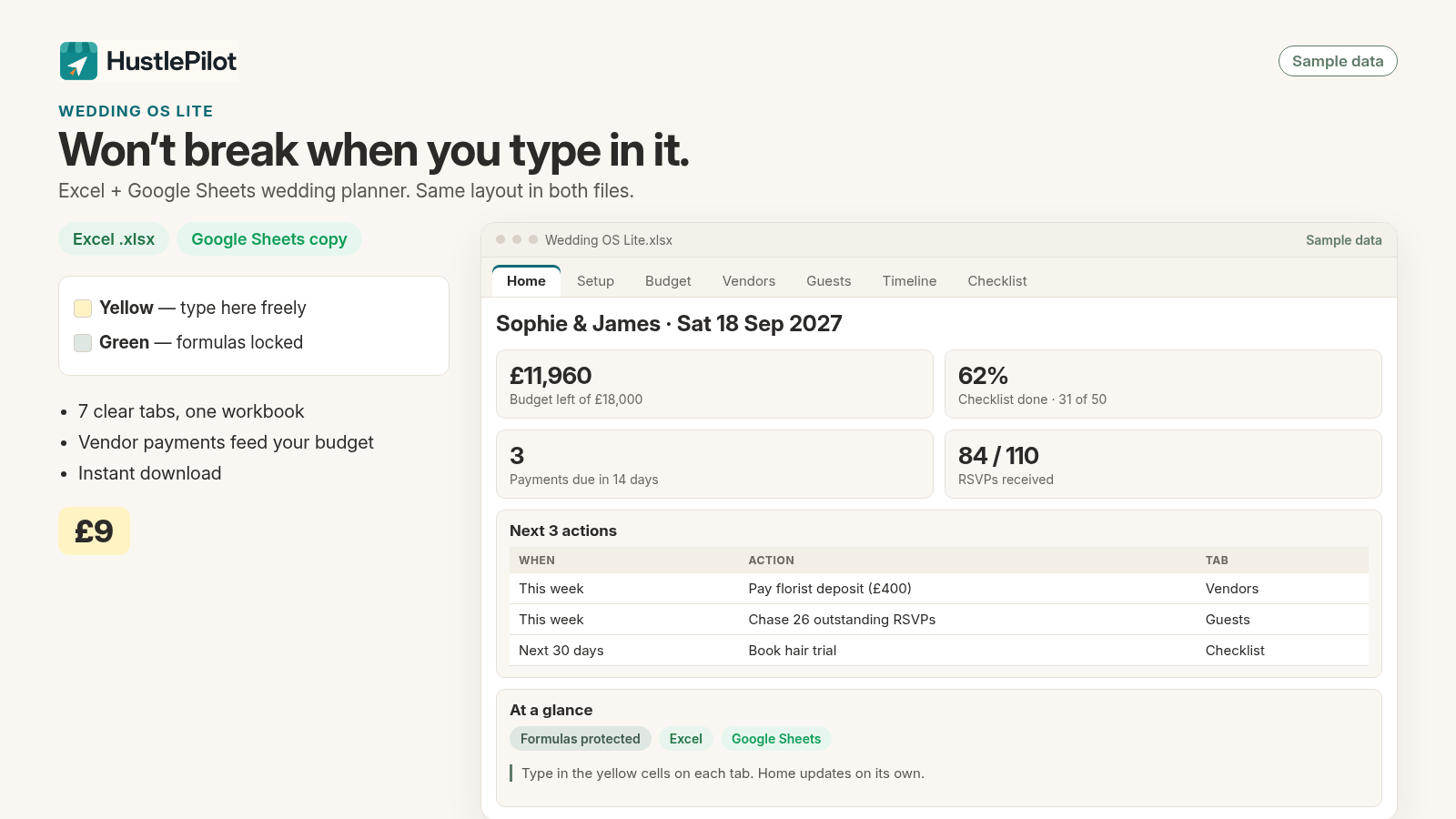
Wedding OS Lite
by HustlePilot
A tabbed wedding planner covering setup, budget, vendors, guests, timeline and checklist, in matching Excel and Google Sheets versions.
See more side by side in our wedding spreadsheet roundup.
Questions
What columns should a wedding budget have?
At least: item, supplier, estimated cost, actual cost, deposit paid, balance due and the date it's due.
Should we include a contingency?
It's sensible to keep a buffer line for things you didn't plan for. Set the amount you're comfortable with and treat it as part of the budget, not spare money.
Excel or Google Sheets for a wedding?
If you're planning with a partner or family, Google Sheets makes sharing easy. If you prefer working offline, Excel is fine. Some templates come in both.